Why People Confuse Agents and Chatbots
If you’ve been shopping for “AI” lately, you’ve probably noticed something strange.
Everything is a chatbot.
A widget on a website? Chatbot.
A support assistant inside Zendesk? Chatbot.
A tool that books meetings, updates your CRM, and follows up by text? Still… somehow… “chatbot.”
That label is convenient. However, it’s also misleading.
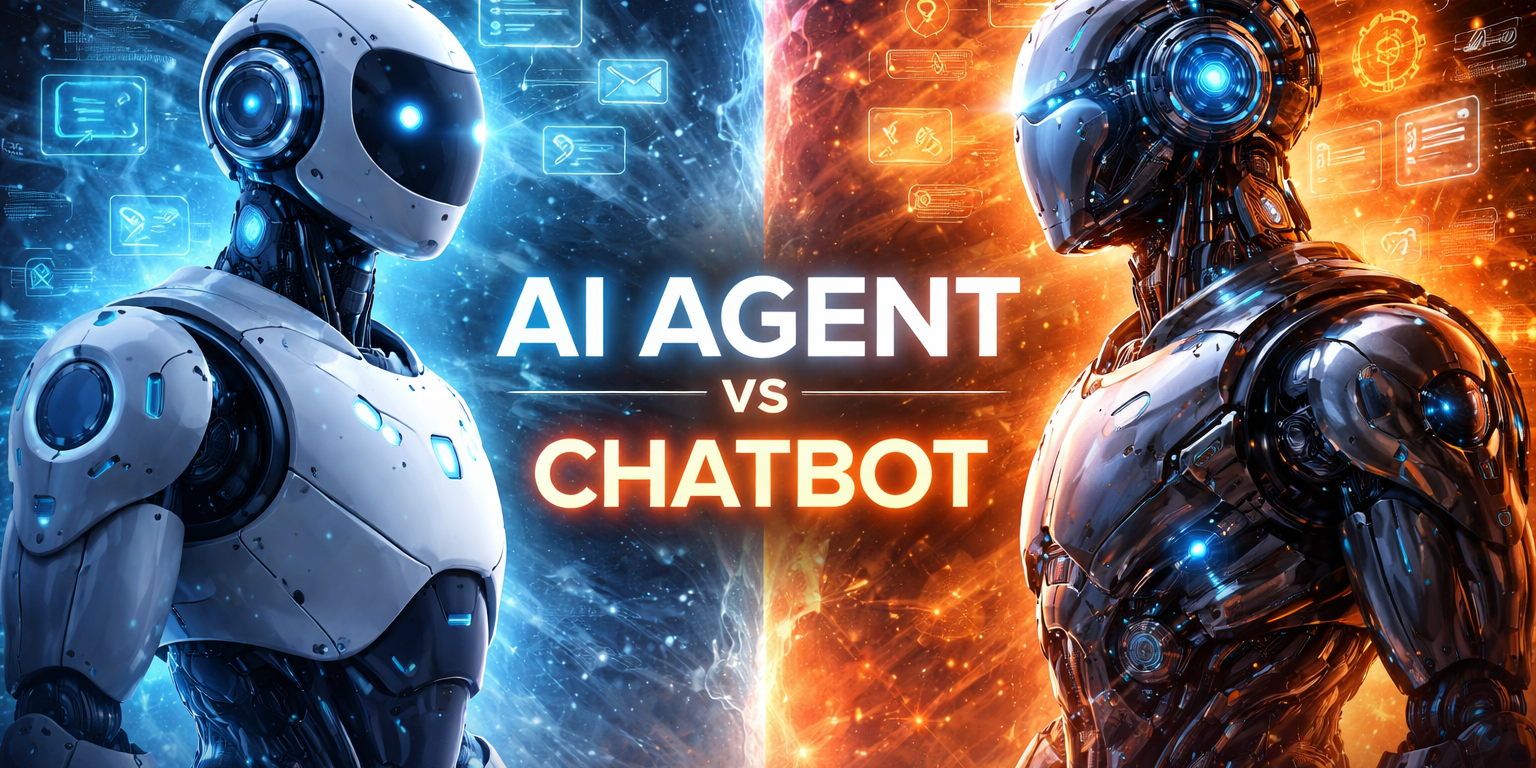
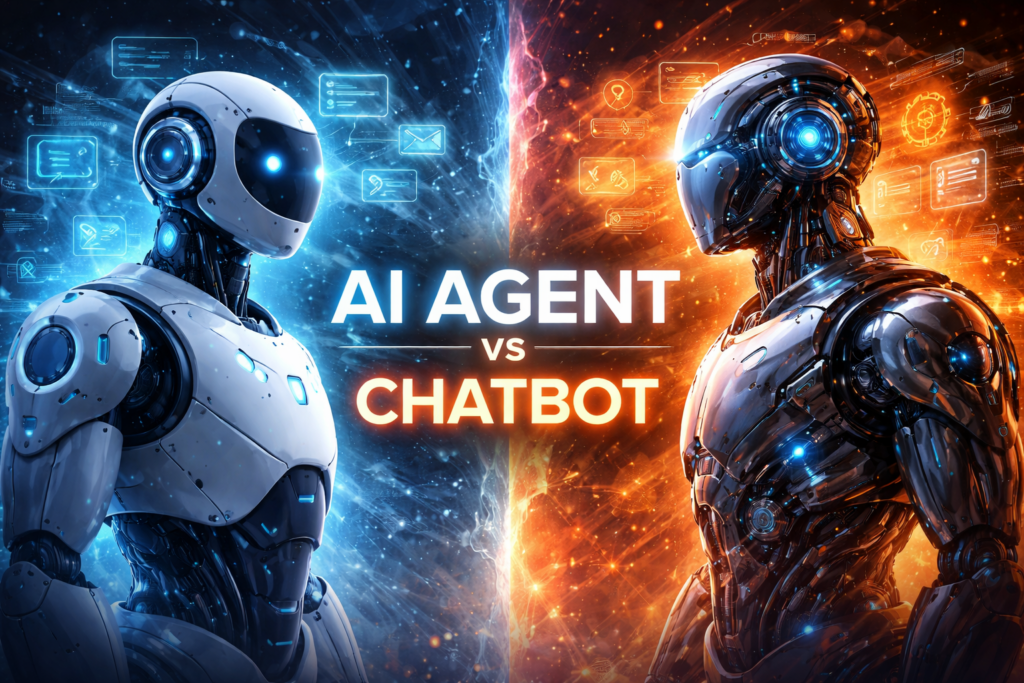
Because a chatbot and an AI agent can look the same on the surface—both may speak in natural language, both may live in a chat window, and both may answer questions politely. Yet underneath, they are built for very different jobs.
And that difference matters, especially if you’re investing real money into this.
If you choose a chatbot when you actually need an agent, you’ll get a system that talks well but can’t finish anything. Your team ends up copying and pasting answers, moving data between tools, and doing the “last mile” work manually.
On the other hand, if you choose an agent when you only need a chatbot, you may overbuild. You’ll spend more time on integrations, permissions, security, and monitoring than your use case requires.
So the goal of this article is simple:
- Clarify what a chatbot is (and isn’t)
- Clarify what an AI agent is (and isn’t)
- Help you choose the right approach for your business—without hype
By the end, you’ll be able to answer one key question with confidence:
Do you just need a system that can talk…
or do you need a system that can do?
Definitions in Plain English
Before we compare features, let’s get the language straight. Most confusion comes from the fact that both systems can “chat,” so people assume they’re the same thing.
They’re not.
What a Chatbot Is
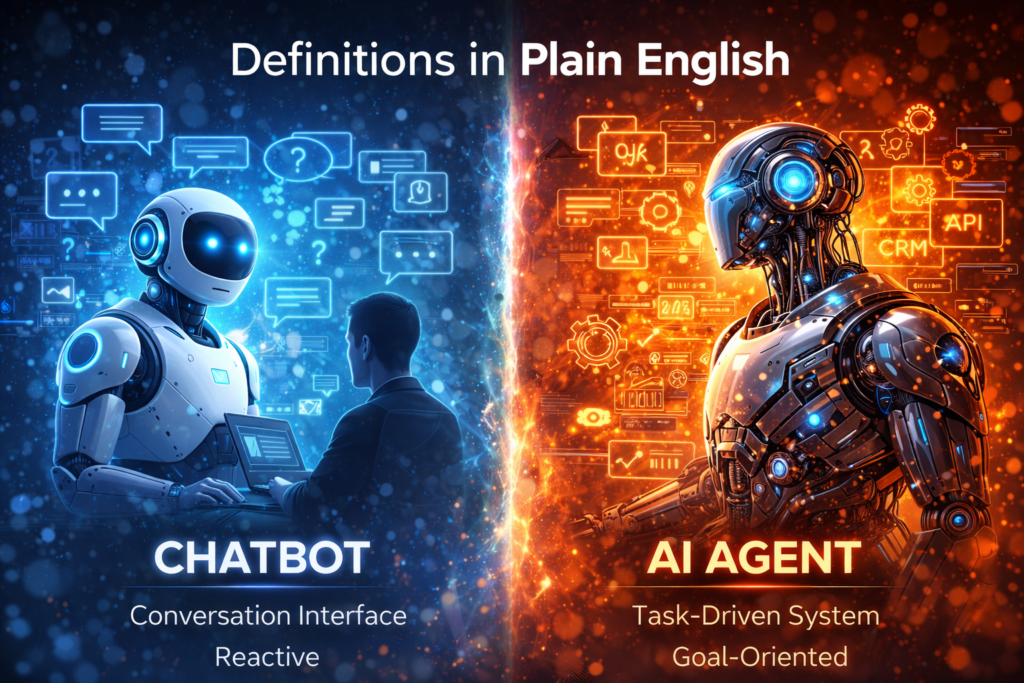
A chatbot is primarily a conversation interface.
It listens to a user’s message, then replies with the best answer it can—often based on:
- a scripted flow (“Press 1 for billing…”),
- a knowledge base (FAQ pages, help docs),
- or an AI model generating a response.
In other words, a chatbot is usually reactive.
It responds when prompted.
That makes chatbots great for:
- answering common questions,
- guiding users to the right page or next step,
- collecting basic information (name, email, order number),
- and reducing the load on human support teams.
However, most chatbots stop at the edge of action.
They might tell a customer how to reset a password… but they don’t reset it.
They might explain refund policies… but they don’t issue refunds.
They might gather lead details… but they don’t update the CRM and schedule the follow-up.
A chatbot talks. Sometimes it routes. Usually it doesn’t operate.
What an AI Agent Is
An AI agent is a goal-driven system designed to complete tasks, not just answer questions.
It still communicates in natural language, but its core purpose is different:
An agent is built to achieve an outcome.
To do that, an agent can:
- make decisions step-by-step,
- use tools (APIs, databases, CRM, ticketing, calendars),
- follow rules and policies,
- and take actions in your systems—often across multiple steps.
That’s the key shift:
A chatbot says, “Here’s what you should do.”
An agent says, “Got it—here’s what I did, here’s what I’m doing next, and here’s what I need from you (if anything).”
For example, an AI agent can:
- pull a customer’s order history from your database,
- open or update a support ticket,
- schedule an appointment on your calendar,
- send an email or SMS follow-up,
- update the CRM stage,
- and notify a human when a situation needs approval.
This also means agents require more responsibility:
- permissions,
- guardrails,
- monitoring,
- audit logs,
- and escalation rules.
Because unlike a chatbot, an agent isn’t just talking.
It’s touching your business systems.
Simple takeaway:
If it only answers questions, it’s a chatbot.
If it can use tools to complete work, it’s an AI agent.
Real-World Examples (Side-by-Side)
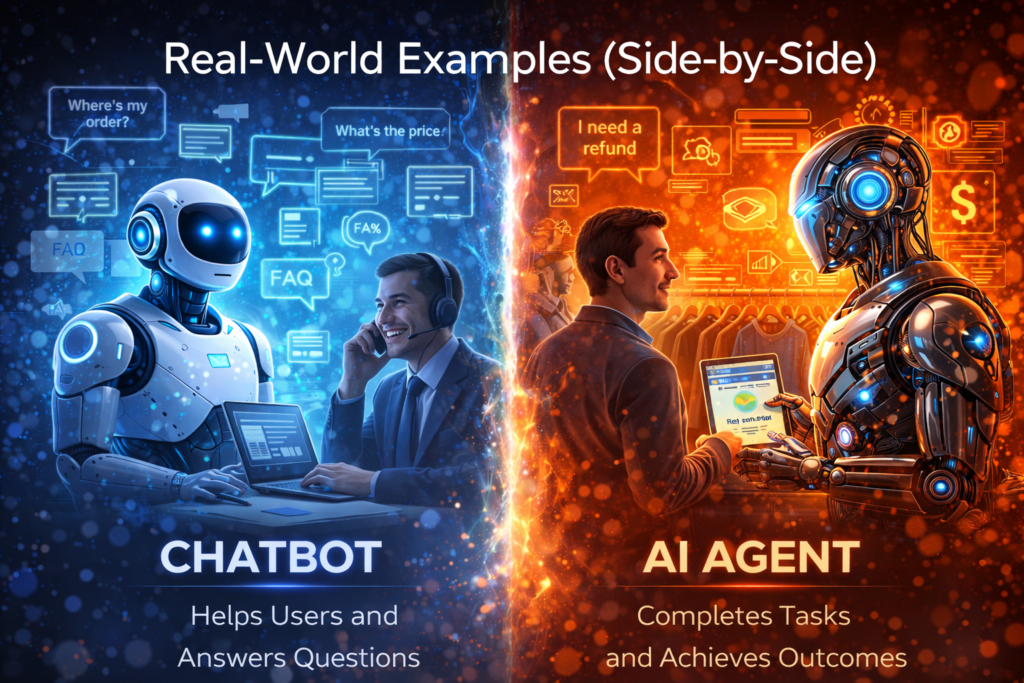
The easiest way to understand the difference is to look at what happens after the conversation starts.
A chatbot is designed to help someone.
An AI agent is designed to finish something.
Here are a few common business scenarios where the difference becomes obvious.
Customer Support
Chatbot (conversation-first):
- Answers FAQs like pricing, hours, policies, “where’s my order?”
- Pulls from help docs and returns the most relevant article
- Collects details (“What’s your order number?”) and hands off to a human
- Routes users to the right department or form
AI Agent (outcome-first):
- Looks up the customer in your system (Shopify, Stripe, database, etc.)
- Checks order status and shipment tracking automatically
- Creates or updates a ticket in Zendesk/Freshdesk/HubSpot
- Classifies urgency and assigns to the right queue
- Issues refunds or replacements with guardrails (approval thresholds, reason codes, fraud checks)
- Sends the customer proactive updates (“Your replacement ships tomorrow”)
The difference in one line:
A chatbot explains the process. An agent executes the process.
Sales and Lead Handling
Chatbot (conversation-first):
- Greets visitors and asks qualifying questions
- Captures lead info (name, email, company size)
- Answers product questions and objections
- Routes “hot” leads to a contact form or “book a call” link
AI Agent (outcome-first):
- Enriches the lead (company info, role, industry) using approved data sources
- Creates the lead in your CRM and assigns an owner
- Scores the lead based on your criteria and activity
- Sends follow-ups via email/SMS with timing logic (and opt-in compliance)
- Books meetings directly on a rep’s calendar
- Updates pipeline stages and logs notes automatically
- Alerts a rep when a lead hits a trigger (“Visited pricing page twice + replied by SMS”)
The difference in one line:
A chatbot collects interest. An agent converts interest into a scheduled next step and a clean CRM.
Operations and Internal Workflows
Chatbot (conversation-first):
- Answers internal questions like “What’s our PTO policy?”
- Helps employees find documents
- Summarizes a page from the handbook
- Provides guidance (“Here’s how you request access…”)
AI Agent (outcome-first):
- Pulls data from multiple tools (Slack, email, CRM, project management)
- Generates a daily/weekly report and sends it to the right channel
- Creates tasks in Asana/Jira/Trello from meeting notes
- Updates project status based on activity signals
- Onboards a new hire by triggering account provisioning workflows
- Requests approvals where required and logs actions for audit
The difference in one line:
A chatbot tells employees where to go. An agent moves the work forward automatically.
Where Chatbots Win
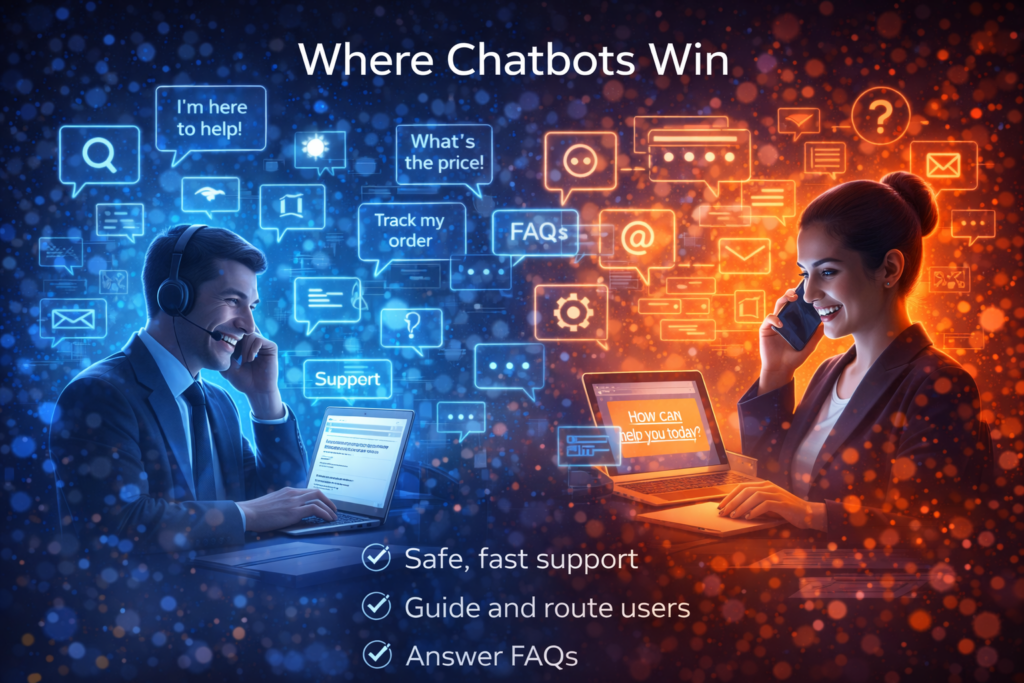
Chatbots get underestimated because they’re “simple.” Yet that simplicity is exactly why they win in many situations.
If your goal is to handle high-volume conversations safely and affordably, a chatbot is often the best tool for the job.
Chatbots win when you need speed and low risk
A well-built chatbot can go live quickly, improve your customer experience, and reduce support load—without touching sensitive systems or making irreversible changes.
That matters because the cheapest AI mistake is the one that can’t happen.
When a chatbot is wrong, it typically just gives a bad answer.
When an agent is wrong, it can do the wrong thing.
So chatbots are a smart first step for many companies.
Chatbots are ideal for “information delivery” use cases
Chatbots shine when the primary job is to:
- Answer FAQs (pricing, hours, policies, basic troubleshooting)
- Help visitors find the right page, product, or resource
- Provide status updates if the data is already available safely (or via a simple lookup)
- Collect initial details before handing off to a human
- Route conversations to the right team (support, billing, sales)
In other words, chatbots are best when the user needs clarity, not completion.
Chatbots are cheaper to build and easier to maintain
Compared to agents, chatbots usually require:
- fewer integrations,
- fewer permissions/security considerations,
- less monitoring and auditing,
- and less workflow design.
That tends to mean:
- faster deployment,
- lower implementation cost,
- and fewer moving parts that can break.
Chatbots are the right call when the cost of a mistake is high
If the stakes are high—refunds, account changes, compliance, regulated industries—starting with a chatbot can be the responsible move.
You can still be helpful while keeping humans in control:
- “Here’s the policy.”
- “Here’s what I recommend.”
- “Here’s the exact information support will need from you.”
Then the human team does the action.
Where AI Agents Win
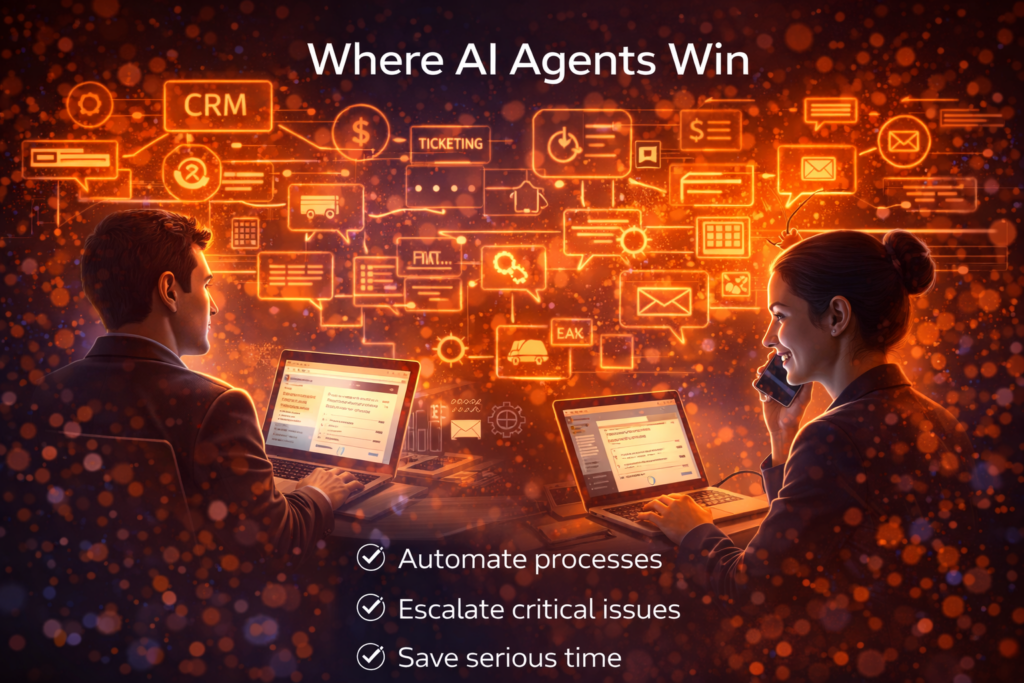
If chatbots are best at conversation, AI agents are best at completion.
An agent isn’t there to be helpful in theory. It’s there to move real work forward—consistently, at scale, and across the tools your business already uses.
AI agents win when the work is repetitive and process-based
Anytime your team is doing the same steps over and over, an agent can usually help:
- Look up information
- Apply rules
- Update systems
- Send follow-ups
- Create tickets or tasks
- Escalate edge cases to humans
That’s why agents tend to produce bigger ROI than chatbots. They don’t just reduce questions. They reduce labor.
AI agents are built for “task completion” use cases
Agents shine when the goal is an outcome like:
- “Book the meeting.”
- “Resolve the ticket.”
- “Update the CRM.”
- “Collect the info and generate the proposal.”
- “Send the follow-up sequence and stop when they respond.”
- “Create the report and post it to Slack every morning.”
Chatbots can assist with these. Agents can do them.
Agents dominate when integrations matter
Most real business work lives inside tools:
- CRM (HubSpot, Salesforce)
- Help desk (Zendesk, Freshdesk)
- Calendar (Google Calendar, Outlook)
- Payments (Stripe)
- Ecommerce (Shopify)
- Project management (Jira, Asana)
- Internal docs and databases
An AI agent can be connected to these systems with controlled permissions so it can take actions, not just talk about them.
That’s the leap from “helpful” to “operational.”
Agents win across multiple channels
Chatbots often live in one place—usually your website chat widget.
Agents can operate across channels like:
- phone calls,
- SMS,
- email,
- website chat,
- internal Slack/Teams.
That means they can follow up like a real team member would, instead of waiting for the customer to come back.
Agents scale output, not just responses
A chatbot can answer 1,000 questions.
An agent can:
- handle 1,000 follow-ups,
- schedule 200 meetings,
- update 1,000 CRM records,
- close the loop on 300 support tickets,
- and surface only the exceptions your humans actually need.
That’s why teams adopt agents when they’re serious about scaling without hiring at the same rate.
The reality check: agents require guardrails
Agents win big—but only when they’re built responsibly.
Because they can take actions, you need:
- permission controls (what it can access and change),
- approvals for risky actions (refunds, cancellations, account changes),
- audit logs (who did what, when, and why),
- monitoring and fallbacks (when confidence is low).
When those pieces are in place, agents become incredibly powerful.
Common Myths (and What’s Actually True)
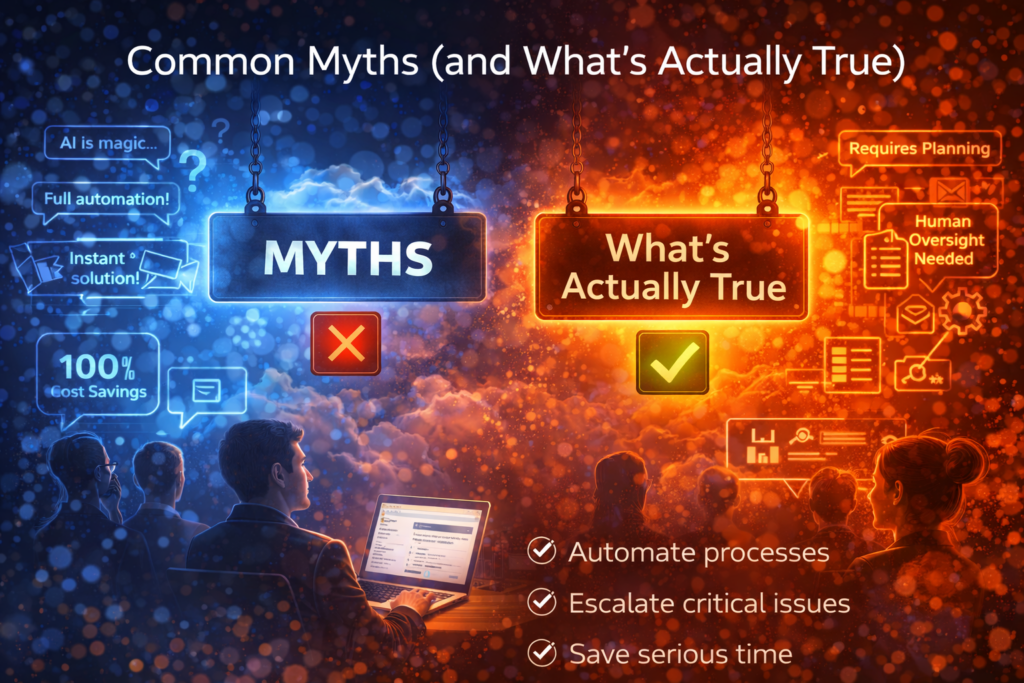
A lot of bad decisions come from good-sounding myths. Let’s clear out the most common ones before you spend time—or money—building the wrong thing.
Myth #1: “AI agents are just fancy chatbots”
Reality: Some agents use a chat interface, but they’re built differently.
A chatbot’s job is to respond with information.
An agent’s job is to achieve an outcome using tools, rules, and permissions.
If the system can’t take meaningful action—create the ticket, update the CRM, book the meeting, send the follow-up—it’s not really an agent. It’s a chatbot with extra marketing.
Myth #2: “AI agents replace humans completely”
Reality: The best agents don’t replace humans. They remove repetitive work and escalate edge cases.
In real business environments, you want:
- automation for the predictable 70–90%,
- humans for the exceptions, approvals, and nuance.
Agents are most valuable when they become a force multiplier—your team stays in control, but they stop drowning in busywork.
Myth #3: “More autonomy is always better”
Reality: More autonomy is often more risk.
The goal isn’t maximum freedom. The goal is maximum ROI with minimum downside.
For many companies, the ideal setup is:
- the agent drafts actions,
- the human approves,
- then the agent executes and logs everything.
Autonomy should be earned through testing, monitoring, and tight scope—not assumed on day one.
Myth #4: “If the AI has all our documents, it will be accurate”
Reality: More information can actually make performance worse.
If you dump a giant pile of docs into the system:
- it may retrieve conflicting instructions,
- latch onto outdated policies,
- or answer confidently based on the wrong source.
Accuracy comes from:
- clean, curated source-of-truth content,
- good retrieval,
- and clear rules about what to do when information is missing or unclear.
More data isn’t a strategy. Better data is.
Myth #5: “Chatbots are cheap and agents are expensive”
Reality: Upfront cost is only part of the equation.
Yes, agents usually cost more to implement because they require:
- integrations,
- permissions,
- guardrails,
- monitoring.
However, if an agent saves a team 30–100 hours per month, it can pay for itself fast. Meanwhile, a cheap chatbot that only deflects a small number of tickets may not move the needle.
So the real question isn’t “Which is cheaper?”
It’s “Which one actually produces the outcome we care about?”
Myth #6: “You can’t trust AI in business workflows”
Reality: You can trust it when you design for trust.
That means:
- tight scope (don’t let it do everything),
- rule enforcement (not just suggestions),
- approval steps for high-risk actions,
- audit logs,
- and clear escalation paths.
AI becomes unreliable when it’s treated like magic. It becomes useful when it’s treated like software.
AI Agents & Bots (That Actually Pay Off)
Most companies don’t fail with AI because they lack ambition.
They fail because they buy tools that don’t integrate—and they get trapped in systems that don’t evolve.
AI Agents is built for the opposite.
Deep workflow integration. Fast iteration. Measurable outcomes.
Now, instead of giving you a generic demo, we’ll build something that mirrors your reality.
Get a free, no-obligation custom AI walkthrough video
We’ll create a short video built around your workflows, your tools, and your goals—so you can see exactly where AI can drive revenue, cost reduction, and speed inside your operations.
✅ No sales pressure
✅ No generic “AI overview”
✅ No buzzwords—just real use cases mapped to your systems
In your custom video, you’ll see:
- Where AI plugs into your stack (CRM, support, email, docs, ops tools)
- Which workflows it can automate end-to-end (not just “assist”)
- How we measure ROI (cycle time, cost-to-serve, conversion, resolution speed)
- How we avoid vendor lock-in and static platforms with an “innovation velocity” approach
This is the fastest way to find out if AI can move your P&L—before you spend months in pilot purgatory.
We can only produce 7 custom videos per week, and spots fill quickly.
👉 Claim your free custom AI walkthrough video
Let Intellic Labs show you how to make AI integrate, iterate, and finally pay off.